Voice AI · Multi-tenant SaaS · IoT · Chrome Extension
QuickComm Meetings
Meeting AI: Four Products, One Platform
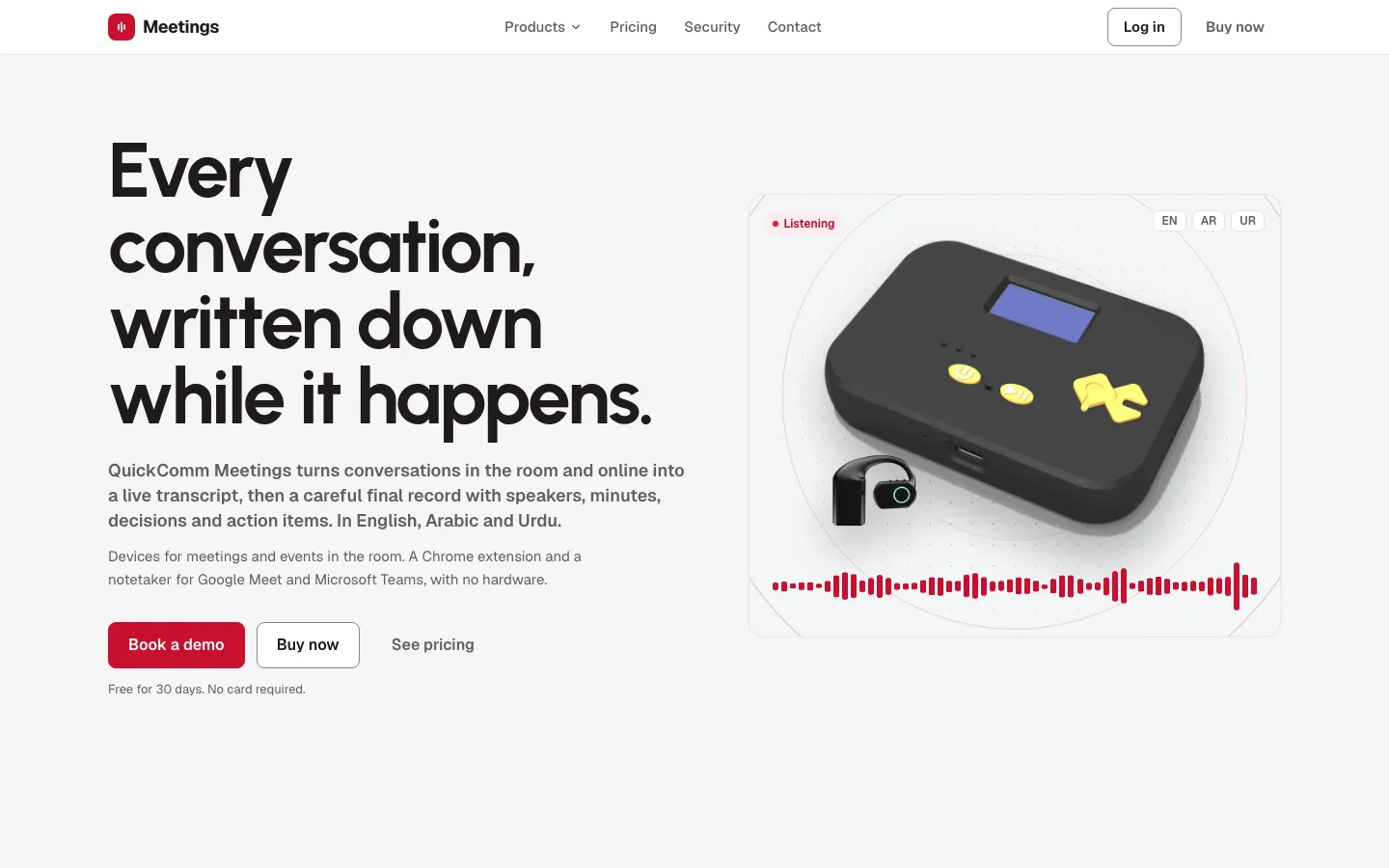
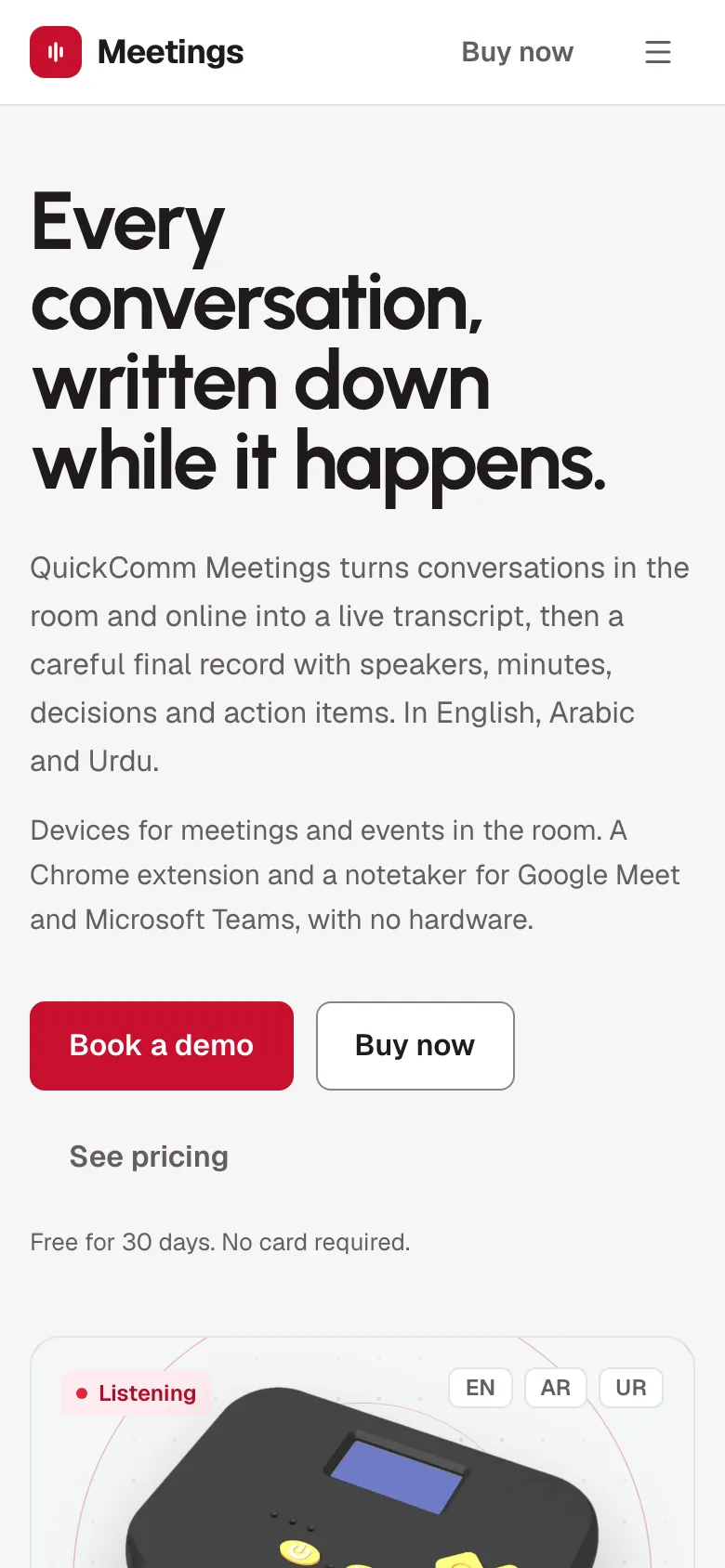
My roleAs Co-Founder & CTO of QuickComm, I architected the platform and built the backend, the web app, the Chrome extension and the notetaker.
The situation
A sales rep at a trade show in Dubai talks to forty visitors a day. A visitor asks for a quote on forty units, in English, then switches to Urdu to talk about delivery. By evening, the rep remembers six names and none of the details.
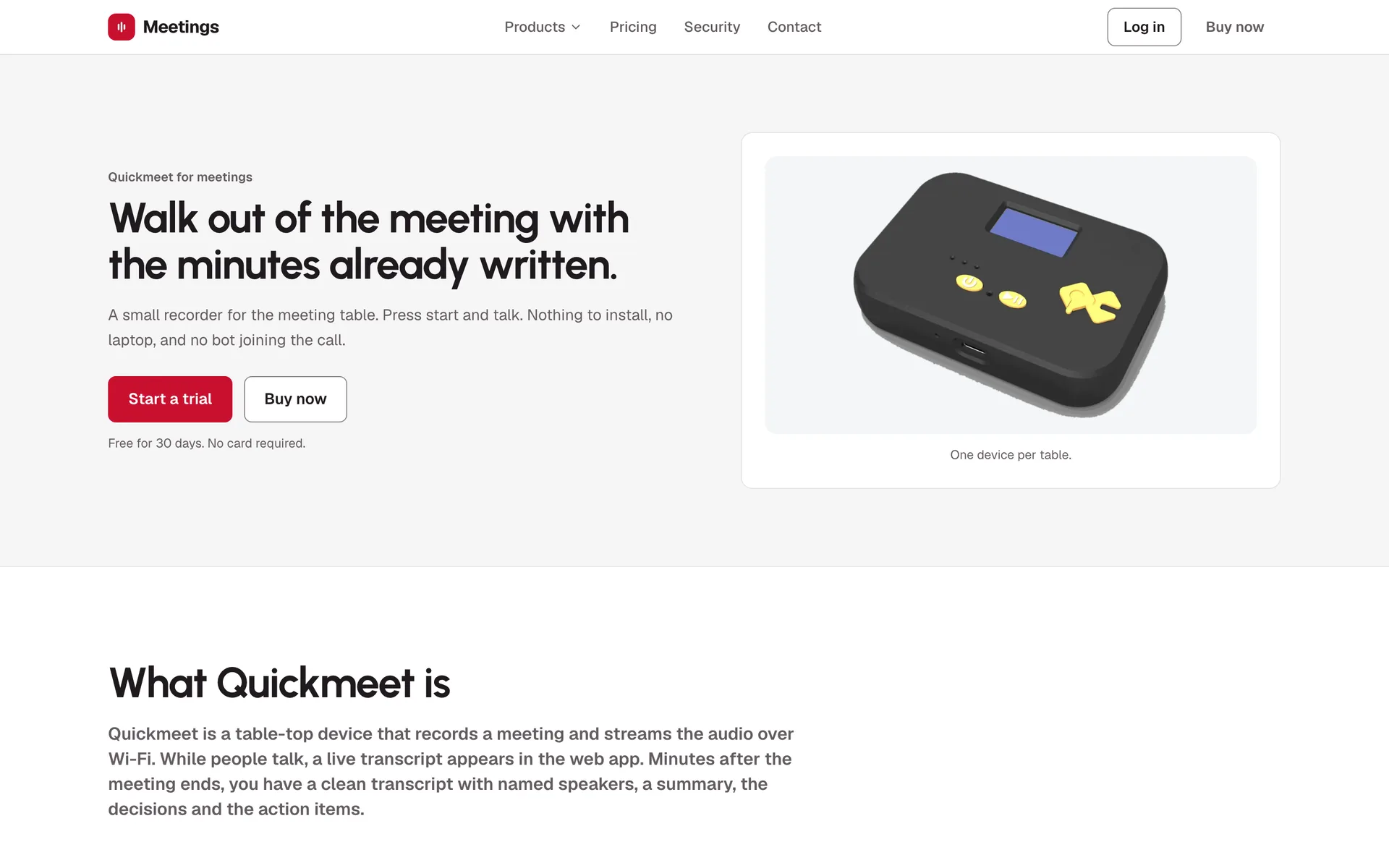
The same problem shows up in a boardroom with no laptop on the table, and on a Google Meet call where half the team could not join. Three places, one need: a reliable record of what was said, ready when the conversation ends.
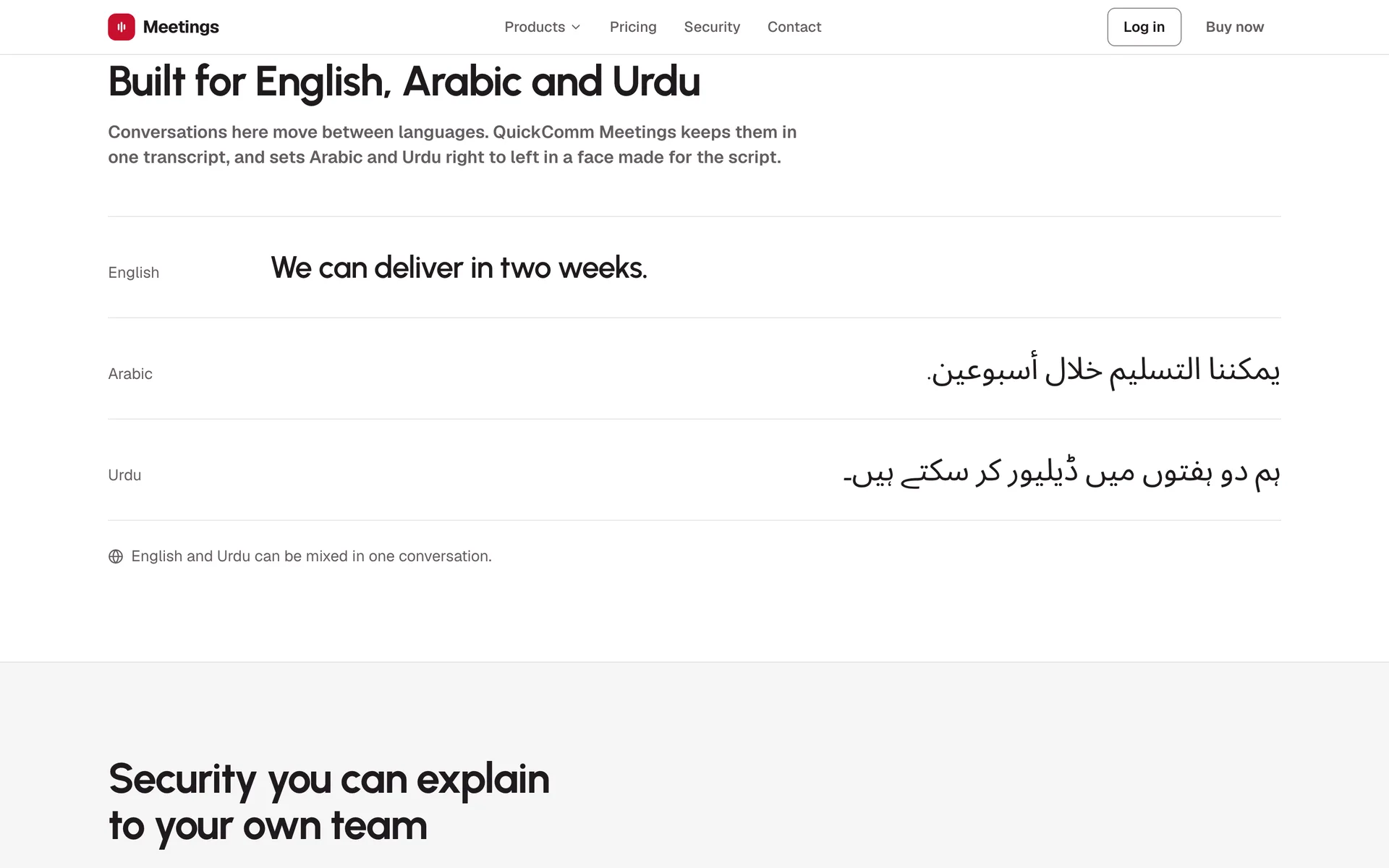
- English, Arabic and Urdu, often mixed in one sentence, with Arabic and Urdu set right to left.
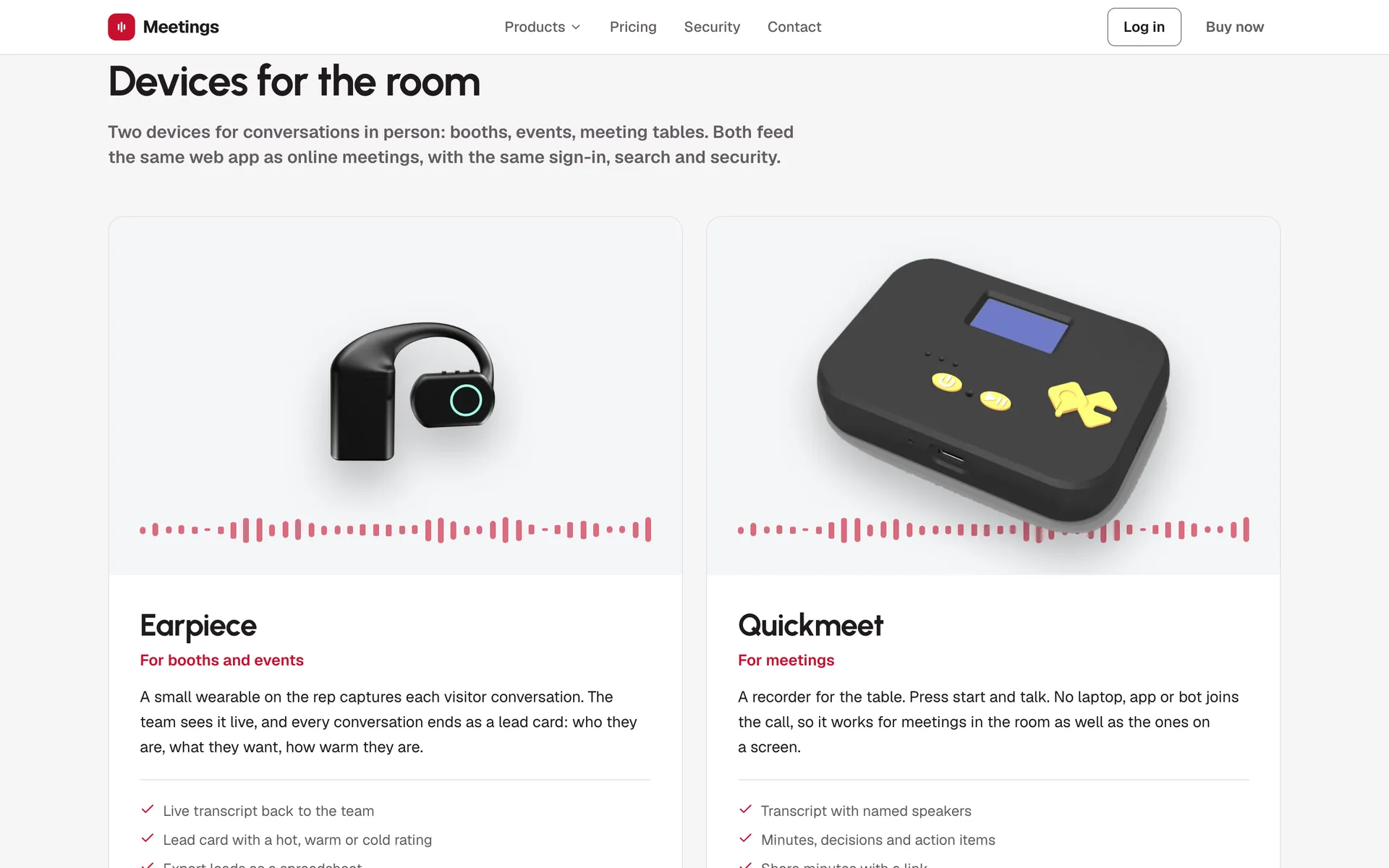
- Four very different sources of audio: a table-top device, a wearable, a browser tab and a bot inside a call.
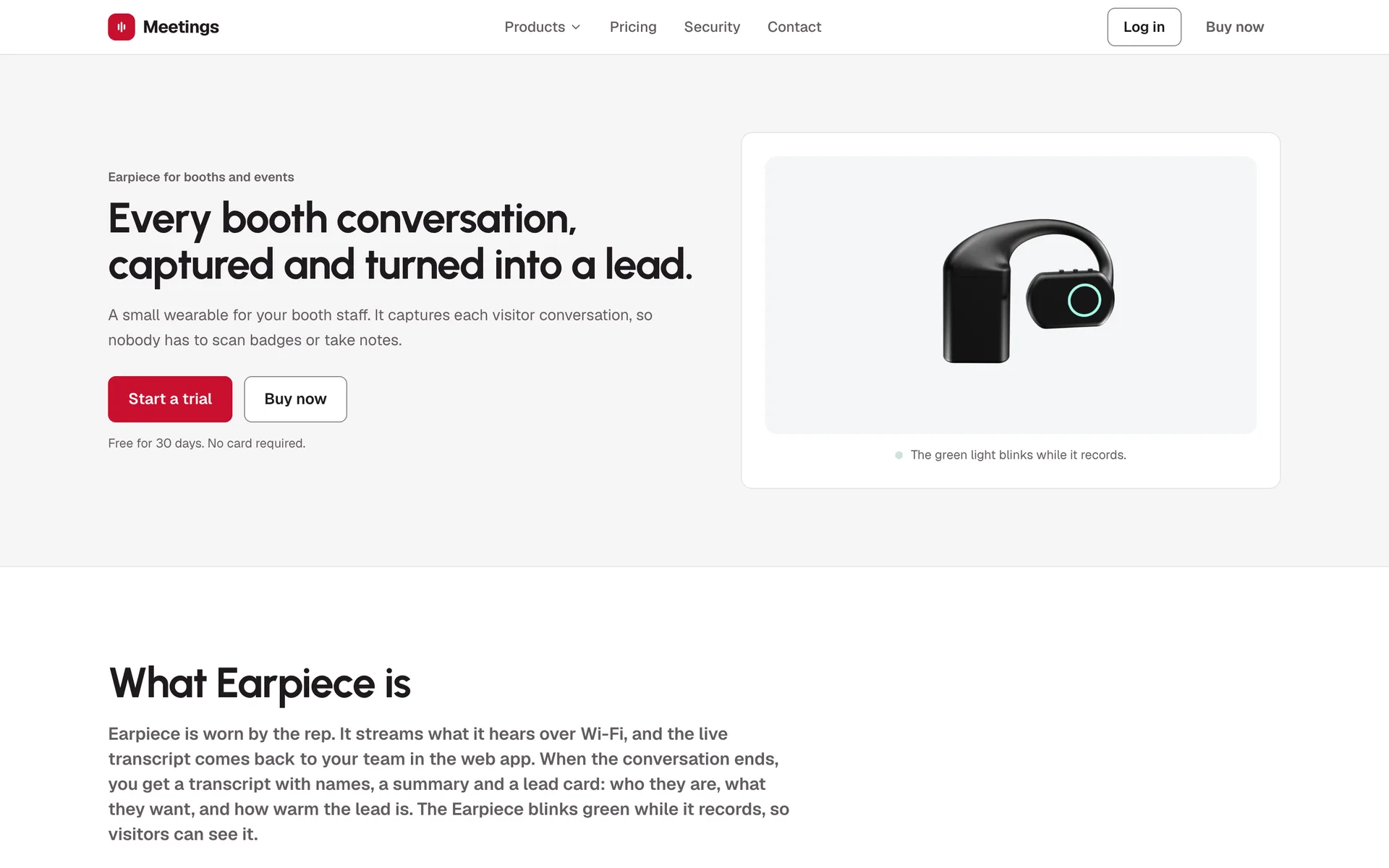
- Recording must be visible: a green light on the Earpiece, a consent step in the extension, a visible participant and chat notice for the bot.
- Many organisations on one platform, with no way for one to see another's conversations.
Architecture decisions I made
- D1One audio protocol for every productThe devices, the extension and the notetaker all speak the same hello, frames, bye protocol over a WebSocket. A browser tab becomes a session exactly like a device, so live transcripts, metering, retention and the final pass were written once.Trade-off The extension had to do real audio work in the browser: tab and microphone mixed at 16 kHz into 100 ms frames, with a 10-minute buffer if the connection drops.
- D2Two passes: fast live, careful finalA streaming model writes the live transcript within seconds. When the session ends, a larger model reads the whole conversation again to name speakers consistently and write the minutes, decisions, action items and lead card.
- D3Disk first, then everything elseEvery audio frame is written to disk before any processing, and a voice gate drops silence. If a model or a connection fails, the recording is still there to run again.
- D4The notetaker behind a provider interfaceThe bot is self-hosted, and the code talks to it through a small interface. The bot dials our audio socket itself and posts a recording notice in the meeting chat when it joins. Another bot provider would be one more class.
- D5Tenant isolation in the database itselfPostgres row-level security separates organisations, so a bug in one query cannot leak another organisation's meetings. A test calls every API route as one organisation with another's ids, and a new route without a case fails the test suite.
In practice
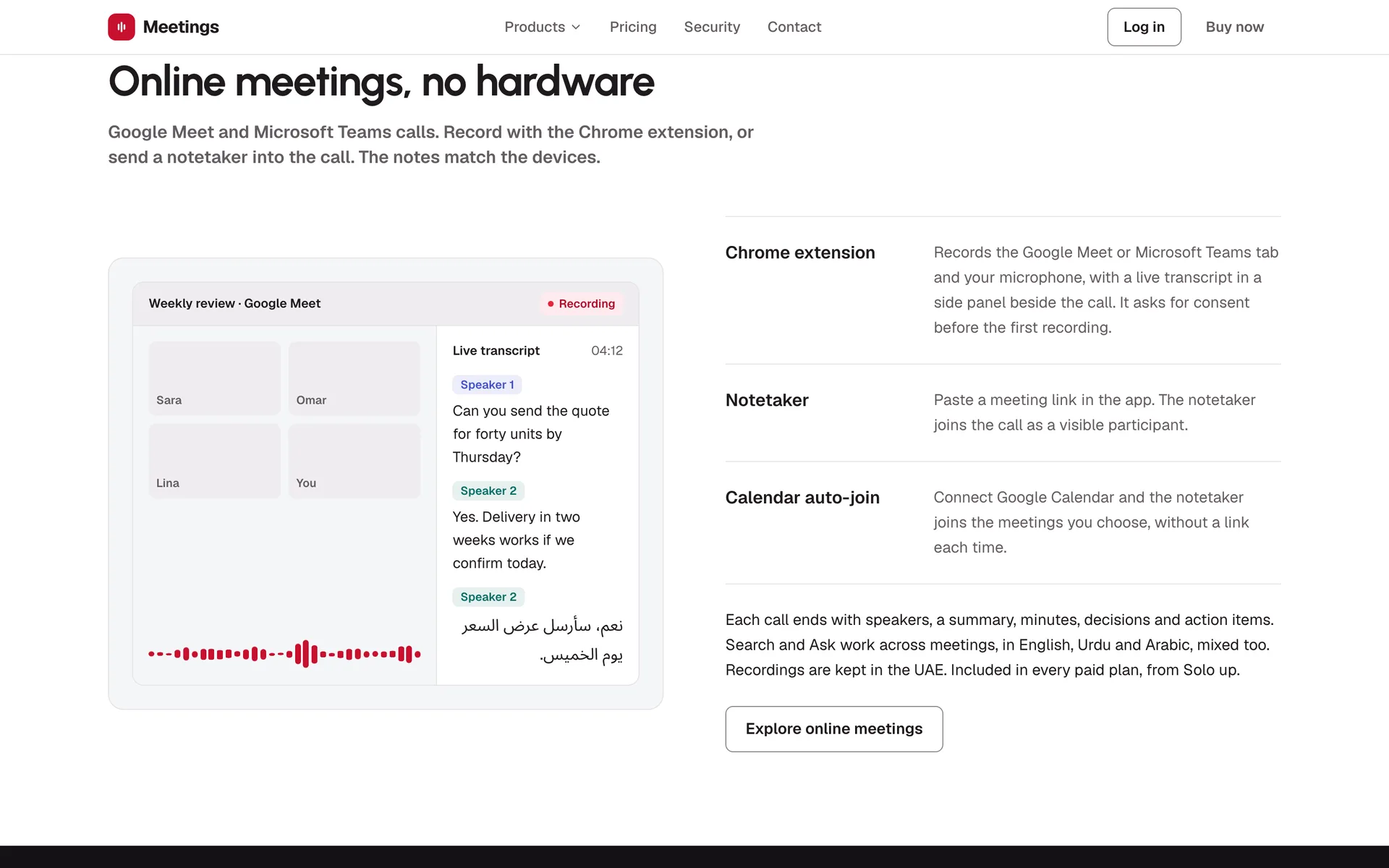
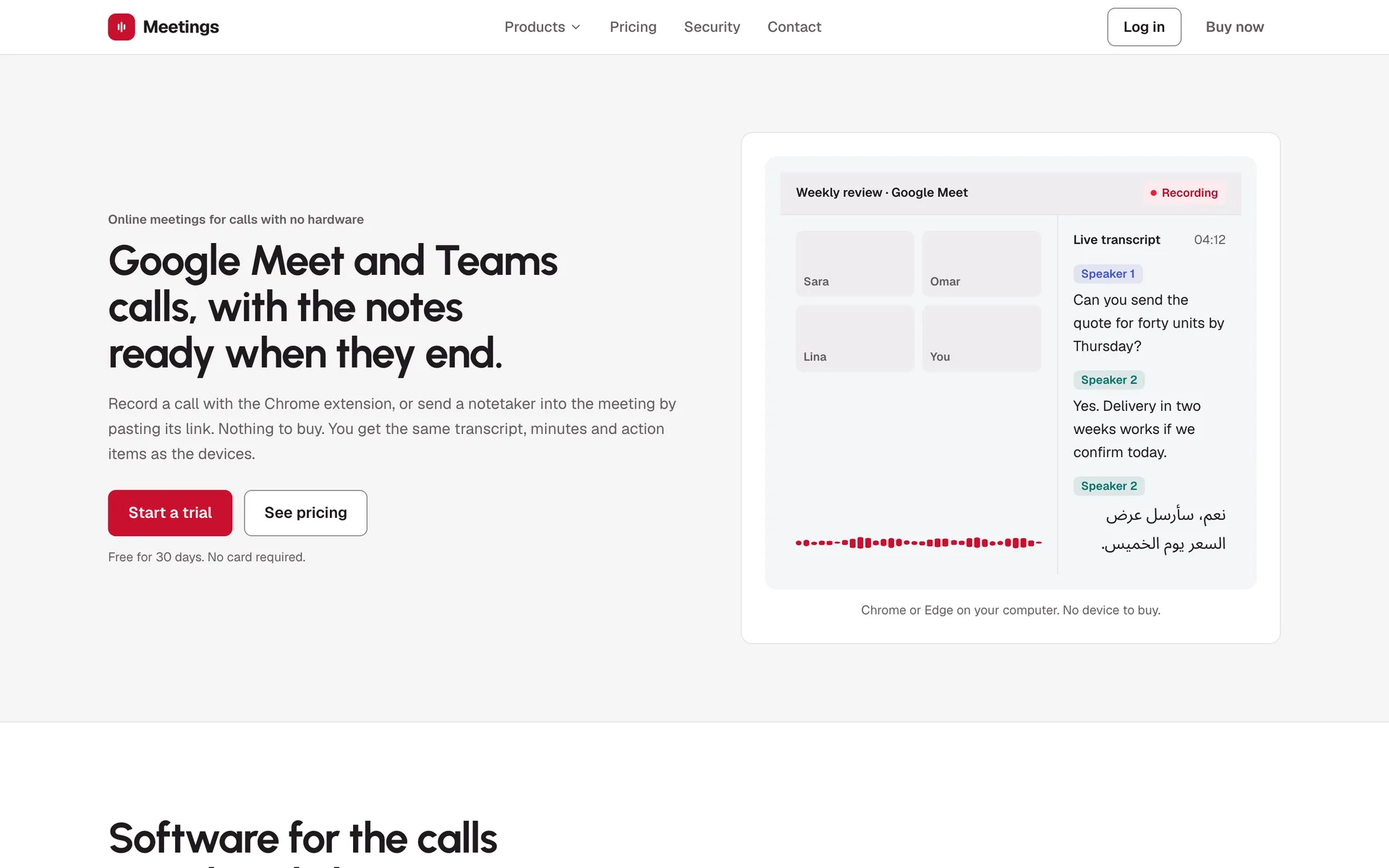
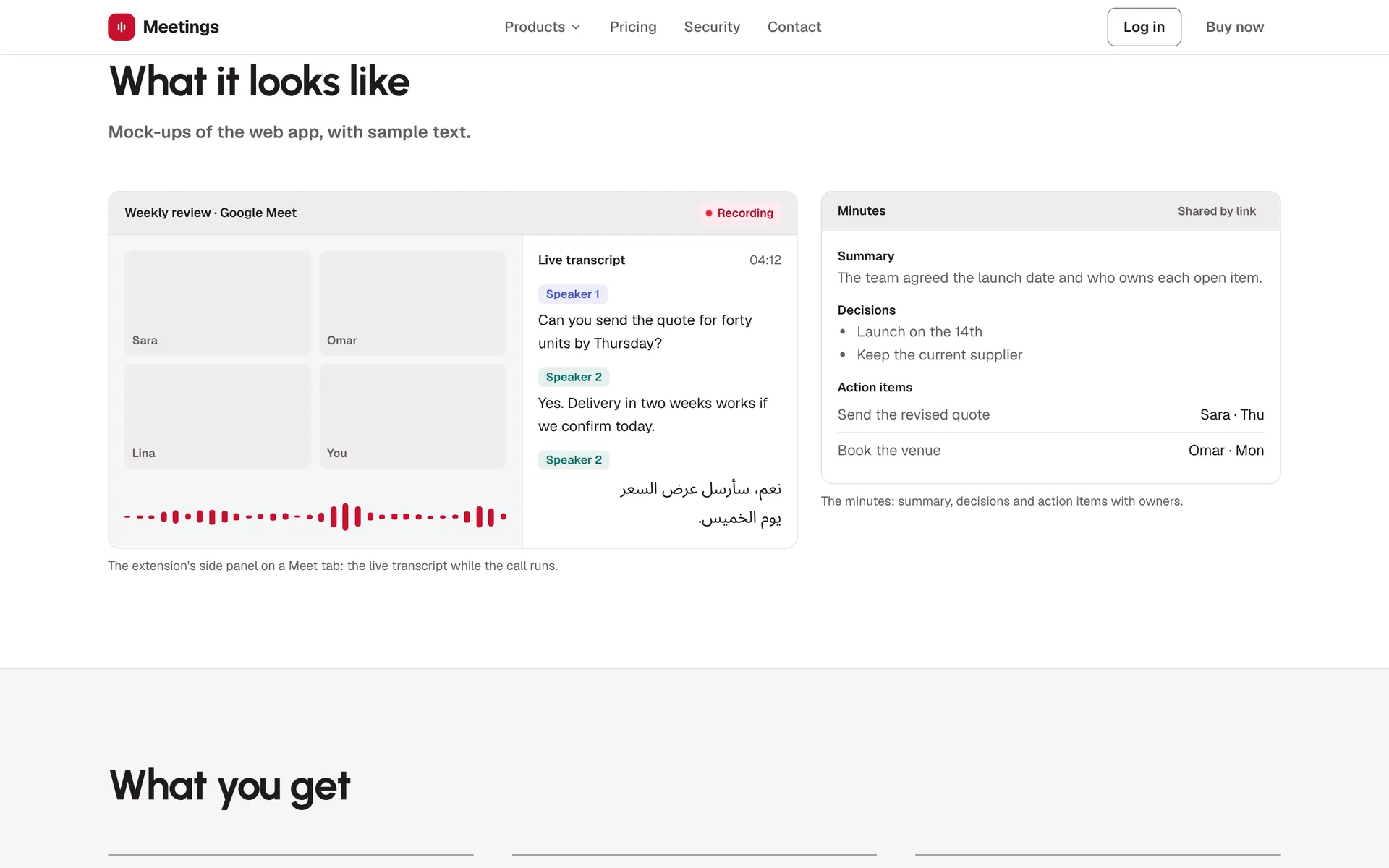
A Google Meet call, recorded by the extensionillustrative example, real schema
- ConsentOn the Meet tab, the person ticks consent and presses Record. The extension can copy a notice to post in the chat.
- CaptureA hidden page mixes the tab audio and the microphone at 16 kHz and sends 100 ms frames over a secure WebSocket. Only the meeting's host and tab title are sent, never its URL.
- LiveThe backend writes each frame to disk and streams speech to text. Lines appear in the side panel beside the call within seconds.
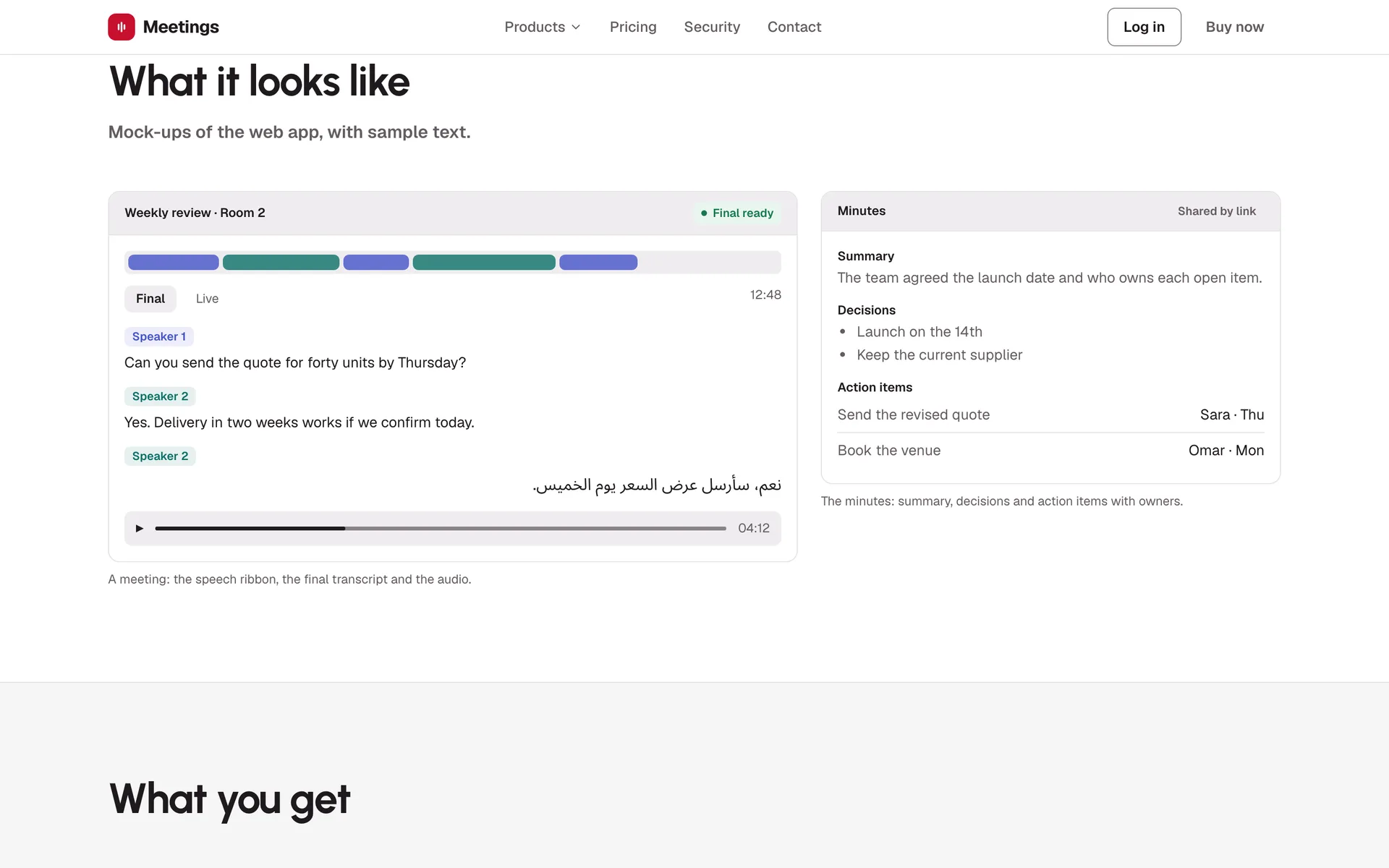
- FinalWhen the call ends, the final pass names the speakers and writes the summary, decisions and action items with owners.
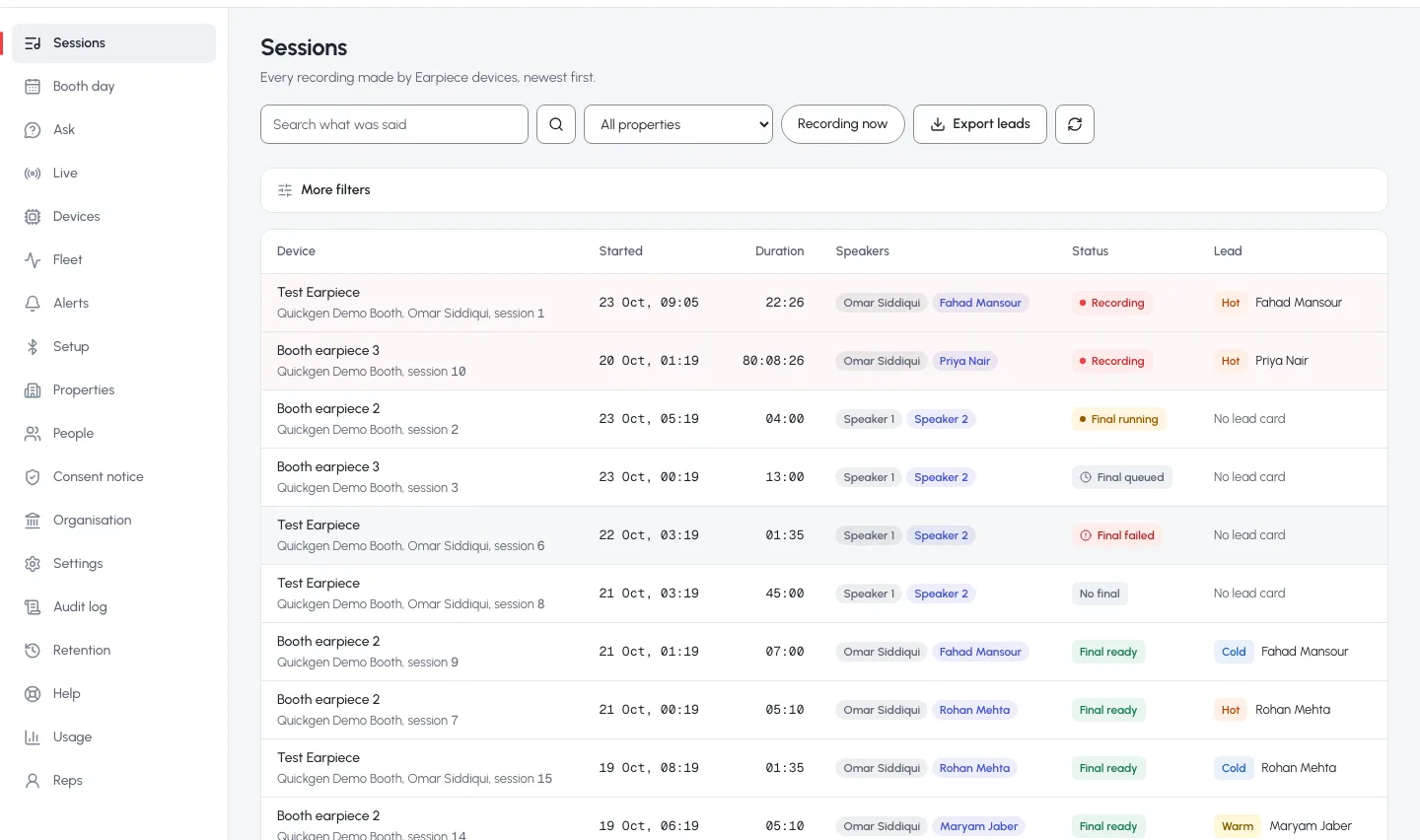
{ "summary": "The team agreed the launch date.", "decisions": ["Launch on the 14th"], "action_items": [ { "task": "Send the revised quote", "owner": "Sara", "due": "Thu" } ] } - ShareThe minutes sit in the web app next to the device recordings, searchable in all three languages, and can be shared by a link that can be turned off.
What I took away
- Design the protocol once and make every new product a new client of it. That is how one platform shipped four products.
- People trust recording when they can see it. The green light, the consent step and the visible bot were features, not legal text.
Questions about this project
What problem did QuickComm Meetings solve?
Meetings and booth conversations disappear the moment they end. Notes are partial, leads are lost, and in Pakistan and the Gulf people switch between English, Urdu and Arabic mid-sentence, which most note-takers cannot follow. Conversations also happen in very different places: around a table, at a trade show booth, and on video calls, and no single tool covered all three.
Who built QuickComm Meetings, and how does it work?
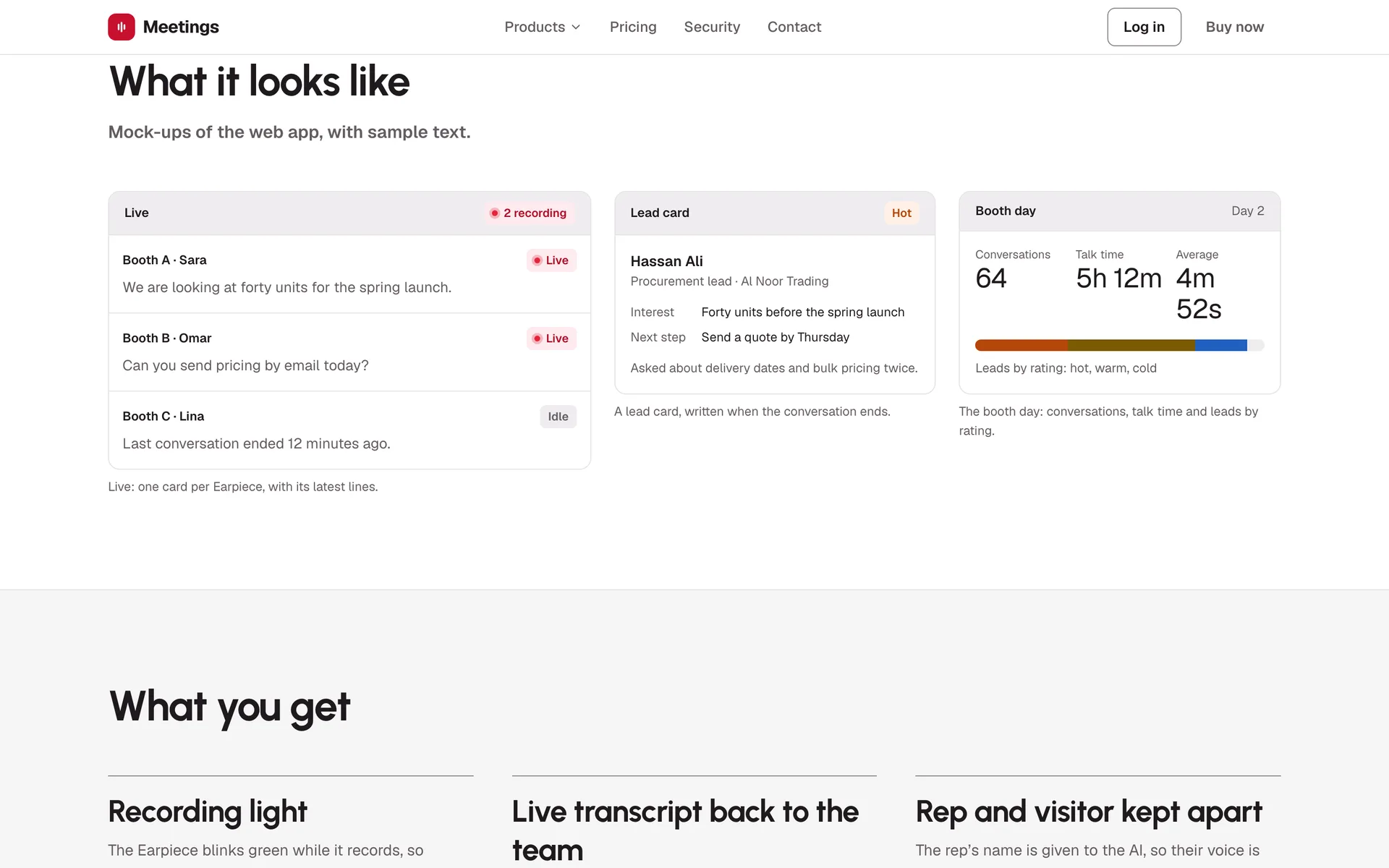
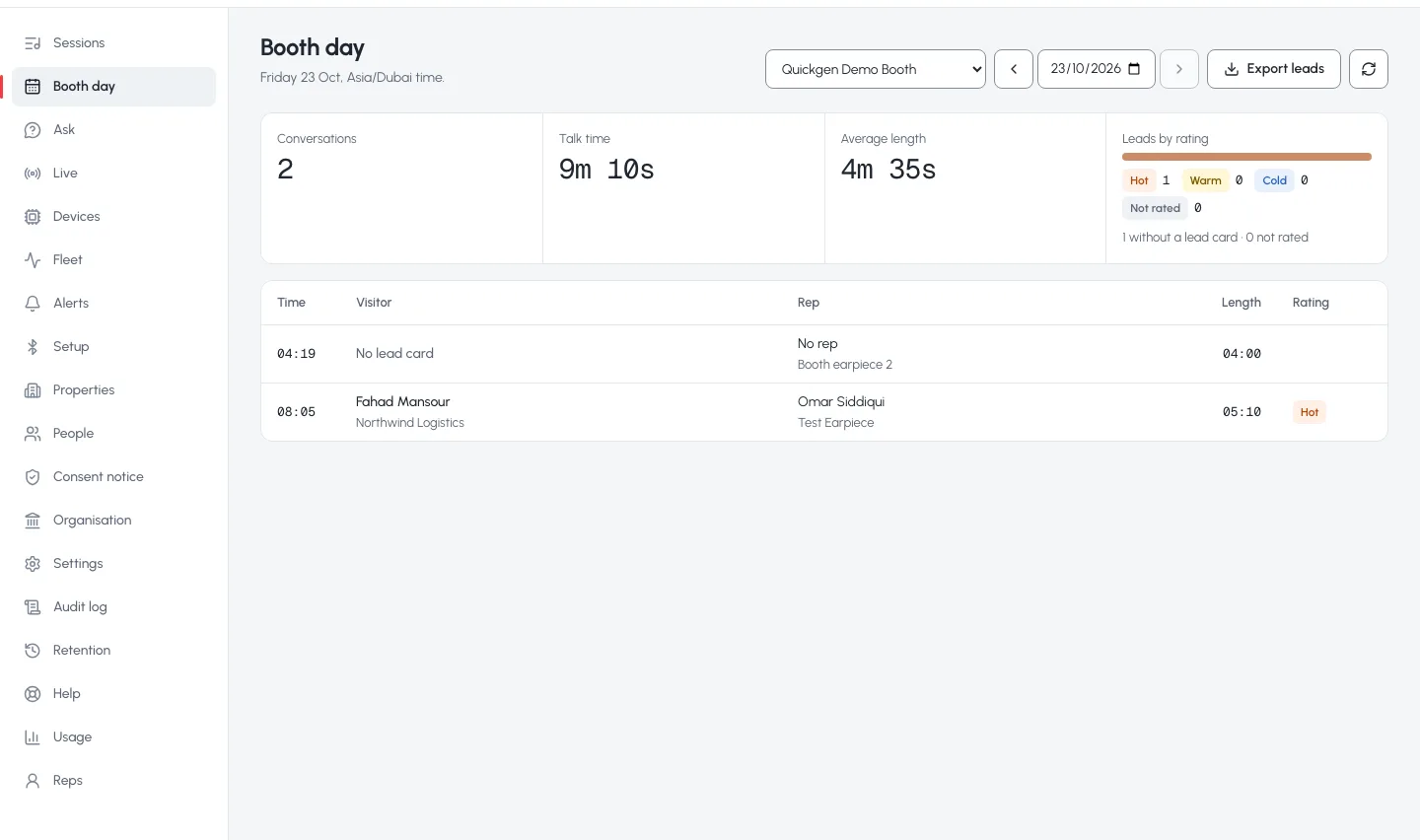
I did (Qalab Hassnain Agha). As Co-Founder & CTO of QuickComm, I architected the platform and built the backend, the web app, the Chrome extension and the notetaker. How it works: One backend and one web app behind four ways in. Quickmeet and Earpiece stream audio over Wi-Fi. The Chrome extension captures the meeting tab and the microphone, mixes them in the browser and streams 100 ms frames over the same protocol as the devices. The notetaker bot joins the call as a visible participant, posts a recording notice in the chat and streams the call audio back itself. Every stream is written to disk first, silence is dropped by a voice gate, and a fast streaming model writes the live transcript. When a session ends, a larger model makes a final pass that names the speakers and writes the summary, decisions, action items and, for booths, a lead card rated hot, warm or cold. Around it: a multi-tenant platform with Postgres row-level security, two-step sign-in, plans and metering, signed webhooks, Google Calendar auto-join, Bluetooth device setup from the browser, and data kept in the UAE. Stack: Python, PostgreSQL row-level security, WebSockets · UDP audio, Streaming speech-to-text, LLM summaries, React · TypeScript, Chrome extension (Manifest V3), Meeting bot, Web Bluetooth, Docker.
What results did QuickComm Meetings achieve?
Live in production at meet.quickcomm.ae with four products on one platform. 2,480 automated tests passing: 747 backend unit, 968 database, 675 web and 90 of 90 end-to-end. Every database migration applies, rolls back and re-applies cleanly. Deploys roll back automatically when a health check fails.
Can I hire Qalab to build something similar to QuickComm Meetings?
Yes. Contracts from $25 an hour, full-time remote from $3,000 a month, fixed-price prototypes from $600 and builds from $2,000, and fractional CTO retainers from $800 a month. Book a free 30-minute call and I will tell you honestly whether and how I would build it.
Gallery